How to change the theme color
-
Once you open the terminal and split your panels, the screen looks as follows.
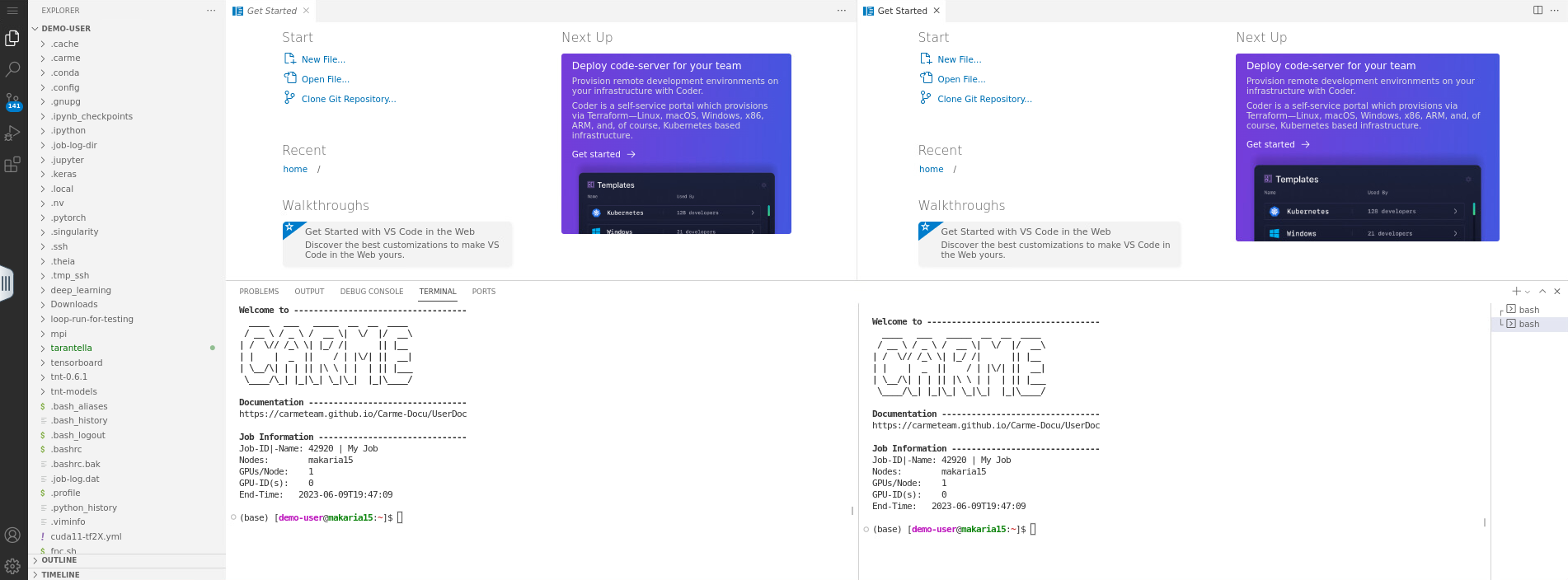
Fig. 1.
-
To change the theme color, click on the
gear icon, located on the bottom-left corner of your screen. Then click onColor Theme. See Fig. 2.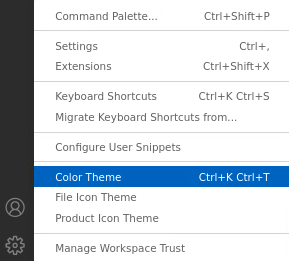
Fig. 2.
-
The
Select Color Themebox opens. There, choose the theme that you prefer. For example,Dark (Visual Studio). See Fig. 3.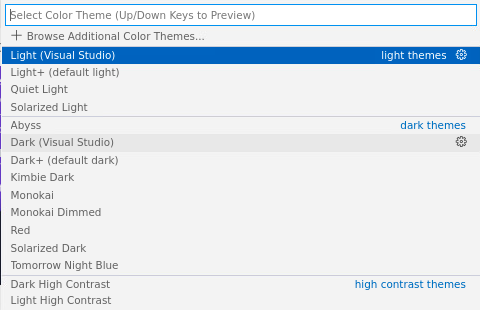
Fig. 3.
-
Your screen looks as follows.
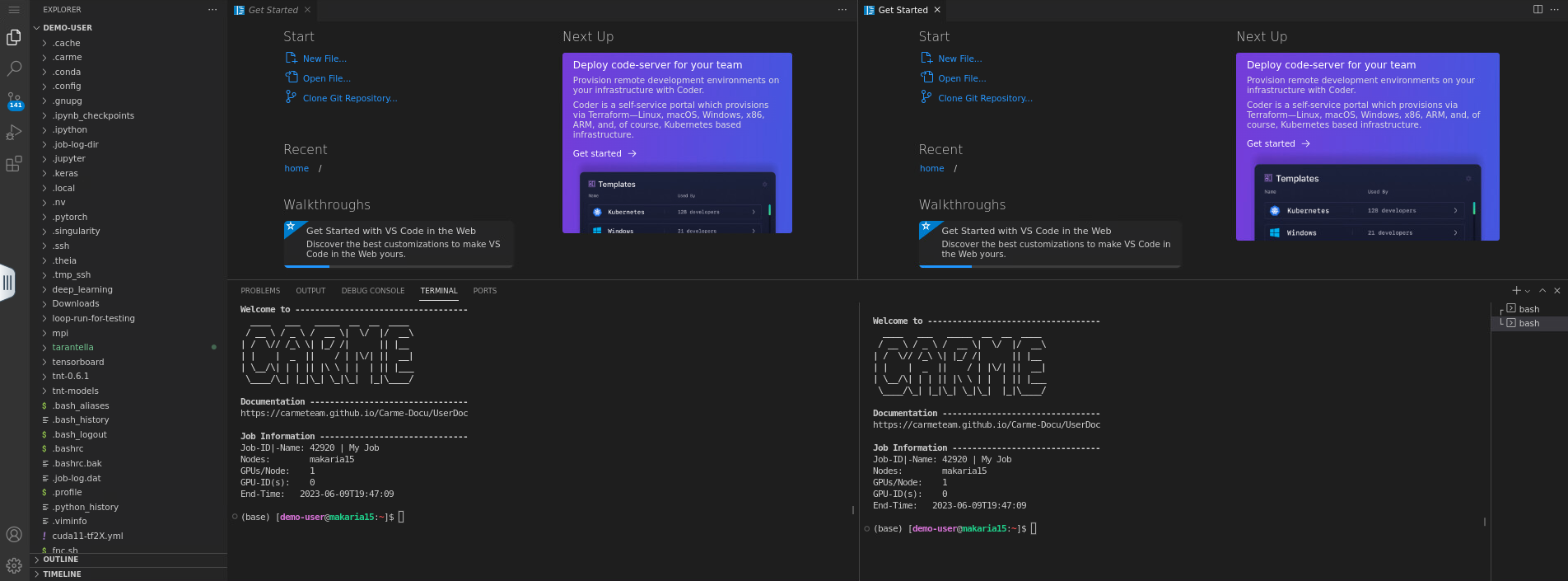
Fig. 4.